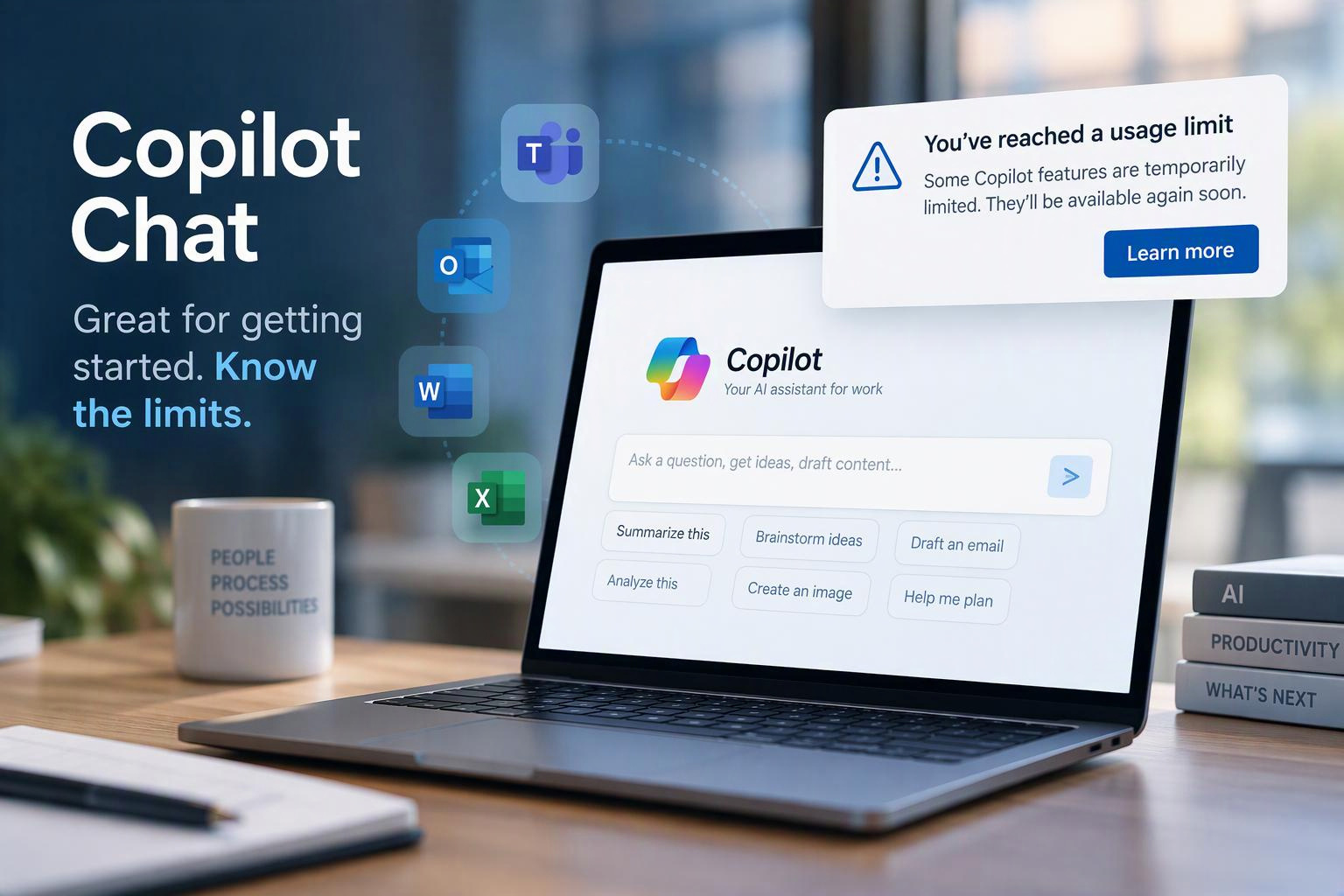
Microsoft Copilot Chat has made it possible for organizations to give employees access to secure, enterprise-ready AI without purchasing a Microsoft 365 Copilot license for every user. But Microsoft is making an important change to that experience.
Microsoft is expanding what it calls “fair use” limits to additional Copilot Chat features for users who do not have a Microsoft 365 Copilot license add-on.
For organizations that have been using Copilot Chat as an entry point for AI adoption, this is worth understanding.
What is changing?
Microsoft already applies usage limits to certain Copilot Chat capabilities, including image generation. Those limits are now being expanded to additional Copilot Chat features.[Microsoft Source]
The important, and frustrating part is that Microsoft does not publish a specific number of prompts, chats, or requests that a user receives. According to Microsoft, limits can vary based on service conditions and may change as Copilot evolves.
If a user reaches a limit, Copilot will display an in-product notification. Work already in progress will not be interrupted, and the message may indicate when the feature becomes available again.
This does not mean Copilot Chat is going away for users without a paid Copilot add-on. It means organizations should expect a clearer distinction between the included Copilot Chat experience and the capabilities available with a Microsoft 365 Copilot license.
Why this matters for organizations
In many organizations, Copilot Chat has become a useful way to introduce employees to generative AI before deciding who needs a full Microsoft 365 Copilot license.
These new limits actually make that licensing conversation more important.
Someone who uses Copilot occasionally to brainstorm, summarize public information, draft content, or answer questions may continue to get plenty of value from Copilot Chat.
But an employee who regularly reaches usage limits may be signaling something different: Copilot has become part of how that person gets their work done.
That can be a useful indicator when deciding where paid Microsoft 365 Copilot licenses will have the greatest impact.
Microsoft makes a similar point in its guidance, suggesting that users who consistently reach Copilot Chat limits may be strong candidates for a Microsoft 365 Copilot license. CRN also highlighted this distinction in its reporting on the change.
Copilot Chat and Microsoft 365 Copilot are not the same thing
This change is also a good reminder that organizations shouldn't think about Copilot licensing simply as “free Copilot versus paid Copilot.”
There are meaningful differences in what users can do.
Users without the Microsoft 365 Copilot add-on can still use Copilot Chat, but licensed Microsoft 365 Copilot users receive broader access to organizational context and advanced AI capabilities. Microsoft’s guidance describes the paid experience as supporting more extensive reasoning across information such as meetings, email, chats, and files, along with greater access to advanced agents and capabilities.
Read: Copilot Chat, MS365 Copilot, and Copilot Cowork: What's the Difference
Microsoft is also evolving its broader Copilot pricing strategy. In September, Microsoft described a model that combines predictable per-user licensing for everyday AI with consumption-based pricing for more advanced, compute-intensive AI experiences. [Read More on the Evolution of Copilot Pricing]
That makes AI licensing less of an all-or-nothing decision.
What should IT teams do now?
There is no reason to rush out and license every Copilot Chat user.
Instead, this is a good opportunity to look at how people are actually using AI across the organization.
IT and business leaders should consider:
-
Educating the help desk so they understand that a usage-limit notification isn't necessarily a technical problem.
-
Reviewing how employees request Microsoft 365 Copilot licenses.
-
Identifying employees and roles where Copilot is becoming part of daily workflows.
-
Providing training so users understand the differences between Copilot Chat and Microsoft 365 Copilot.
-
Developing a licensing strategy based on actual business use instead of assigning licenses uniformly.
Microsoft specifically recommends that administrators inform help desk teams and review license-request settings as these limits roll out. CRN reported that administrators cannot currently view or adjust the underlying fair-use thresholds.
The bigger takeaway
For organizations, the real story isn't simply that Microsoft is limiting Copilot Chat.
It's that AI usage is becoming another signal organizations can use to decide where deeper Copilot capabilities are justified.
Copilot Chat can still provide employees with an accessible way to begin using AI at work. As employees move from occasional experimentation to daily reliance on Copilot, organizations can evaluate whether a Microsoft 365 Copilot license makes sense for that role.
That is a healthier approach to Copilot adoption than simply buying licenses for everyone and hoping they get used.
The goal should be to give employees the right level of AI capability for the work they're actually doing.
Learn more about the KnowledgeWave AI Enablement Framework