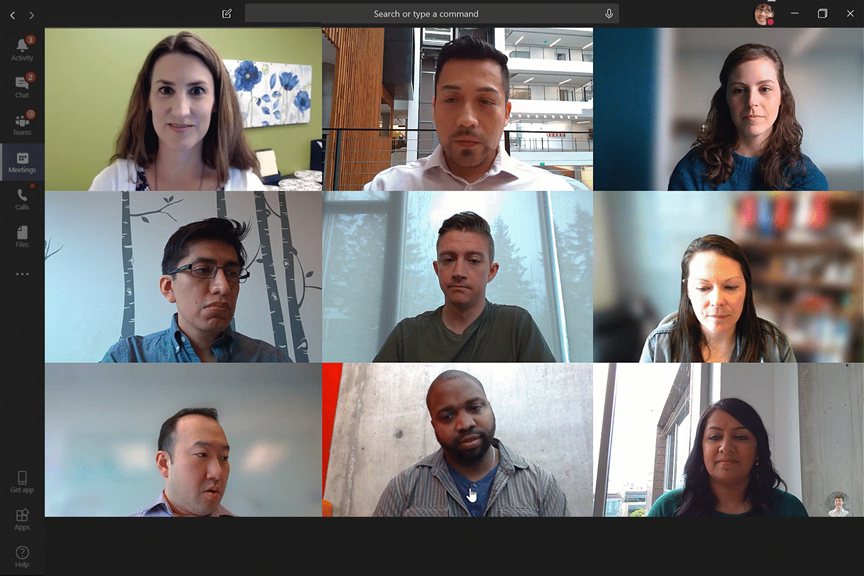
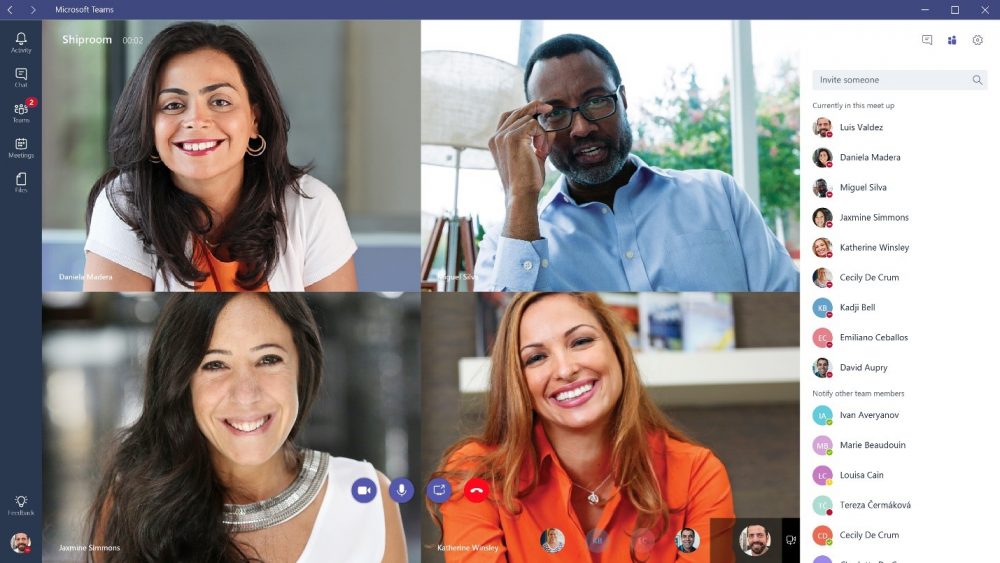
The KnowledgeWave team is excited to make training available for the Microsoft Phone System, also referred to as Microsoft Teams Phone. Teams Phone brings the power of traditional PBX systems to a tool that over 145 million of us touch every day, Microsoft Teams! You can make traditional calls from Teams, Outlook, or your mobile phone. Because it’s a PSTN service you can receive your work-based calls within the Teams app, on your PC, your mobile device or a Teams supported device.
Read More ›
Tags:
Microsoft 365,
IT,
Microsoft Teams,
Microsoft 365 Business Voice / Teams Phone System
Microsoft has done it again!
Microsoft just published last week, news about a refresh of the Office Applications for Microsoft Windows. Aligned with the new release of the Windows 11 first Insider Preview, Microsoft is rounding the edges and shinning up their workhorse Office applications. The refresh of Office, which Microsoft shares will shine on Windows 11, will also be available to anyone using Microsoft Windows 10.
Read More ›
Tags:
Microsoft 365,
IT
Microsoft Outlook does a great job at detecting potentially harmful email messages. Messages such as SPAM, Phishing, and what Microsoft calls false-positive e-mail.
Spammers and Phishers continue their efforts to send you these email messages undetected by existing Outlook filters. Microsoft now provides you, the end-user, the ability to make these filters even stronger so that it does not miss these messages.
Read More ›
Tags:
Outlook,
Microsoft 365
As part of our Adoption and Change Management (ACM) practice, we highlight the need to measure for success. It’s even a section on my Office 365 User Adoption Checklist. KnowledgeWave has had the opportunity to beta test Microsoft Productivity Score for the last several months and we are super excited that it’s now available in general release to all Office 365 Administrators. (If you don’t see it hang tight, it’s coming) The use of Productivity Score will help organizations power their digital transformation with metrics that can dive into how users are using modern technology like Microsoft Teams.
Read More ›
Tags:
Microsoft 365,
MSP,
User Adoption,
Microsoft Teams
Data is a popular topic these days. OK, it has been since the days of the mainframe. We just have more of it now. With so much data being collected across so many locations, a tool like Power BI lets us connect to that data. Power BI enables us to present data visually, and provide intuitive details, insights and modeling examples in a familiar Microsoft Office experience.
Read More ›
Tags:
Webinars,
Microsoft 365,
Power BI
KnowledgeWave is pleased and excited to be providing a no-cost awareness webinar recording that is available on-demand on a topic that is fast becoming a popular conversation we have with clients using Office 365, Power BI. What is Power BI, and What Can it Do, as well as why you should consider using it are all at the heart of this webinar presentation.
Read More ›
Tags:
Webinars,
Microsoft 365,
Power BI
One of my favorite things about writing blogs like this is to demystify stuff that many of us have been confronted with, especially in a modern workplace. Today, I’ll lay out what you need to know about Microsoft Teams chat files.
Read More ›
Tags:
Microsoft 365,
Microsoft Teams
In this post, I wanted to share specifically how you can disable users from creating Microsoft Teams and how can you remove the 'Create a Team' box within the application. Let me be clear, it is my opinion that you must provide some sort of starting architecture if you want to promote Teams usage and foster user adoption of this powerful tool.
Read More ›
Tags:
Microsoft 365,
Microsoft Teams
Our team writes a lot about Microsoft Teams, and for all that we write, we put even more into real-world action for our clients. In this post, I’ll share a process for Teams Governance, using a Template Policy. Using templates to govern Microsoft Teams creation empowers businesses to set their own standards.
Read More ›
Tags:
Microsoft 365,
Microsoft Teams
With Microsoft Teams as your organization's communications hub, you can manage your 'Bookings' directly within Teams. Simply select the ellipsis to add the Bookings app to your Teams sidebar. Bookings is an Office 365 application that allows your customers to book appointments with your staff based on the services you offer and your staff availability.
Read More ›
Tags:
Microsoft 365,
Microsoft Bookings,
Microsoft Teams
Bookings from Microsoft is an Office 365 application that allows your customers to book appointments with your staff based on the services you offer and your staff availability.
Read More ›
Tags:
Microsoft 365,
Microsoft Bookings,
Training
What is a Microsoft Teams Live Event?
A Teams live event is the perfect way to connect with people in a one-to-many format in your modern workplace. A typical Teams meeting allows two-way communication between two or more people. However, a Teams live event offers a solution for a much larger audience!
Read More ›
Tags:
Microsoft 365,
Microsoft Teams,
Training
The explosive rate of deployment and migration to Microsoft Teams is off the charts. I wrote last month, How to Rapidly Deploy and Adopt Microsoft Teams because so many people were and continue to reach out to our company for training specific to using Teams. In that post, I shared what companies are doing to deploy Teams quickly and how they can still maintain some governance.
When discussing training needs with clients we commonly see two driving factors for Microsoft Teams Training requests.
Read More ›
Tags:
Microsoft 365,
Microsoft Teams,
Training
With the recent shift to 'working from home', many businesses have been utilizing Microsoft Teams to host their organizations' daily meetings. Teams is a free collaboration tool (with no commitments) offered by Microsoft. The free version of Teams offers unlimited chat, video calling, file sharing, storage, and more. In this blog post, I wanted to share these two educational video tutorials focused on presenting information when using Teams.
Read More ›
Tags:
Microsoft 365,
Microsoft Teams,
Training
Many organizations are moving to Office 365 and Teams (Microsoft’s solution for chat, messaging, conference calling and collaboration) as they deal with the impact of the current COVID-19 pandemic.
For most, holding meetings online is a simple task among colleagues that both know each other and have had access to formal training or experience using online applications, like Teams, Zoom or Go to Meeting. For organizations required to hold formal Open Meetings, available to the public, that task becomes more complex.
Read More ›
Tags:
Microsoft 365,
Microsoft Teams